
Get up and running
Install Borg, learn the keys, and use the embedded console. F10 quits; Ctrl-O switches between panels and the shell.
Read the guide →Browse files, preview code, inspect Git changes, and open container or remote sessions without leaving your terminal. Borg runs on macOS and Linux, with Bash, zsh, and fish.
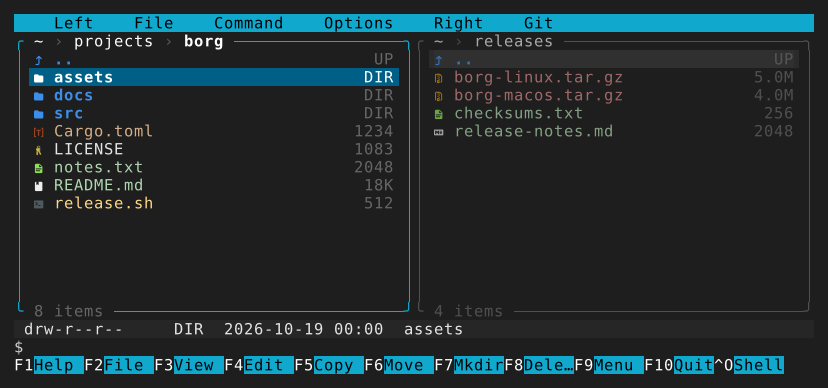
There have always been good terminals and good file managers. Programs that are both are rare: two file panels with your shell running underneath, one Ctrl-O away. Norton Commander made that layout famous on DOS. Volkov Commander, DOS Navigator, FAR Manager and Midnight Commander kept it going, but most of them stayed in the DOS and Windows console era.
Borg Commander is a direct continuation of those projects for current macOS and Linux. It keeps the keys you remember: F3 views, F4 edits, F5 copies, F6 moves, and Ctrl-O switches between the panels and your bash, zsh or fish. On top of that it brings Git, Docker, remote sessions and access for Claude and other agents into the same two panels.
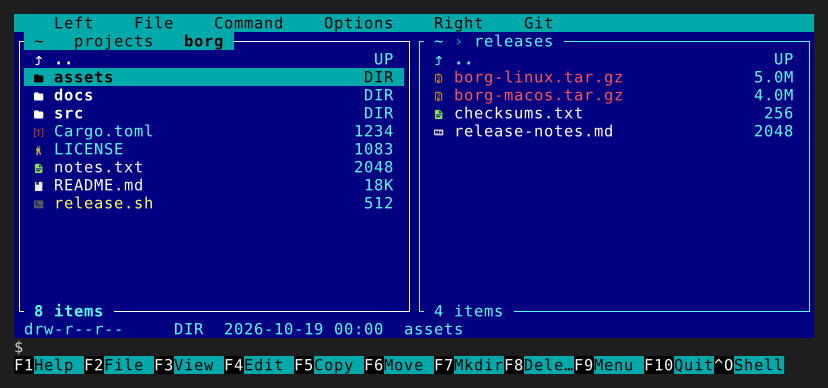
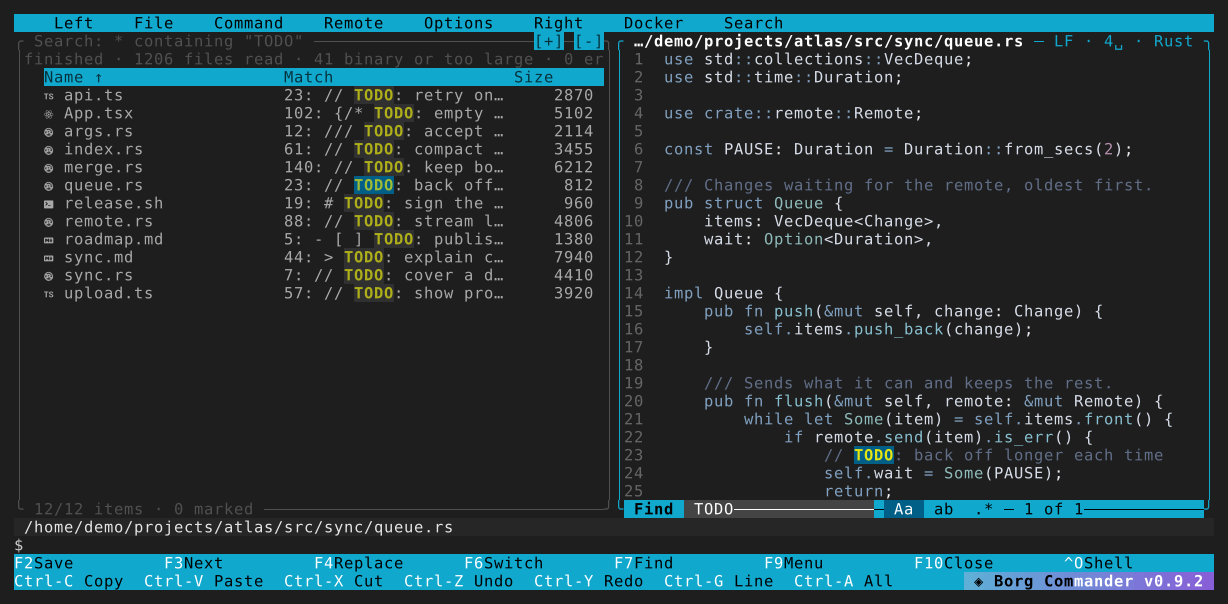
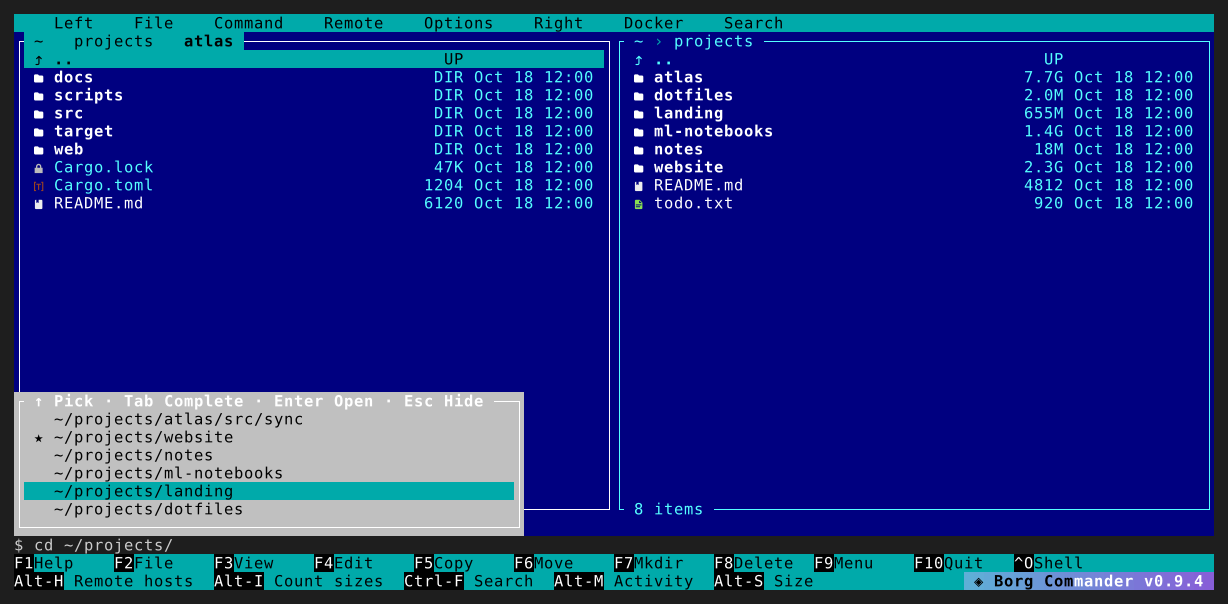
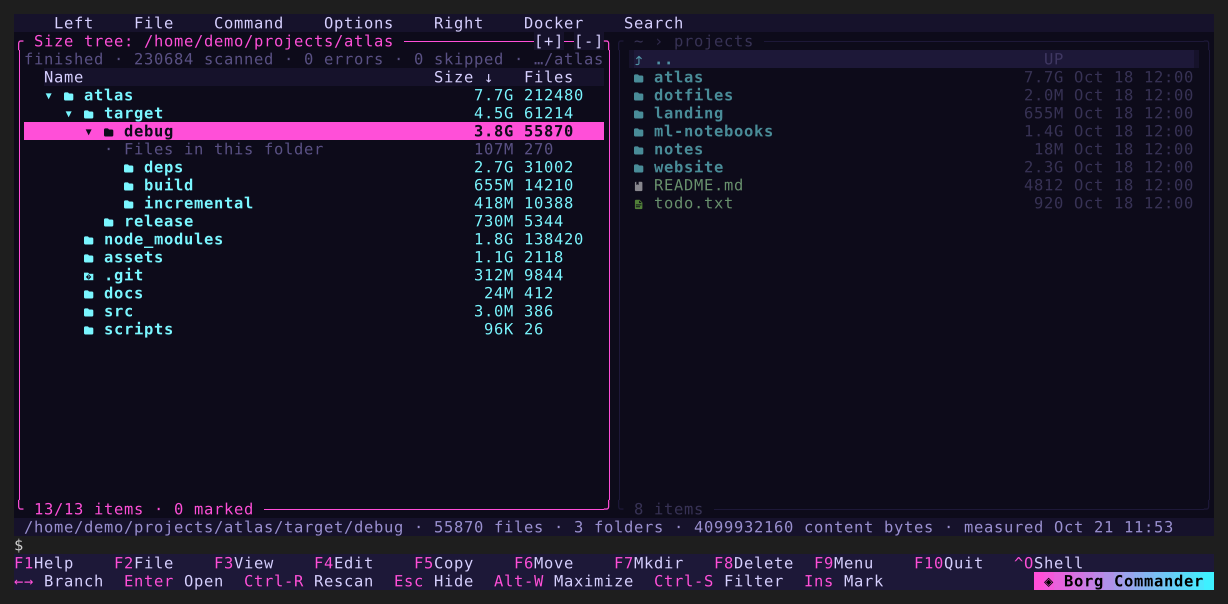
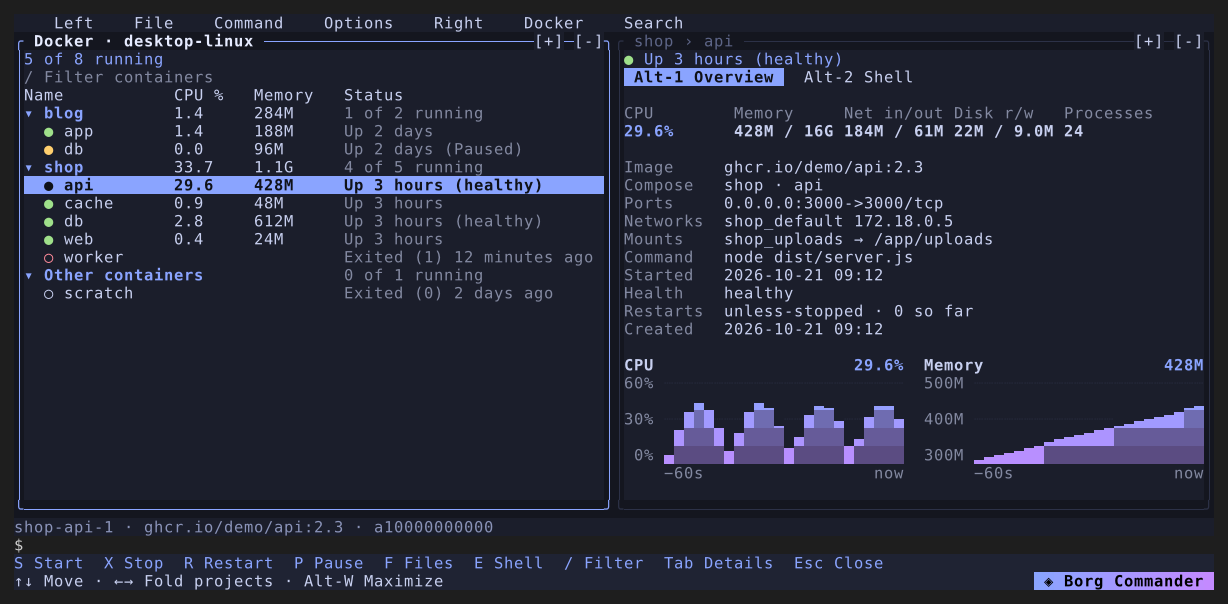
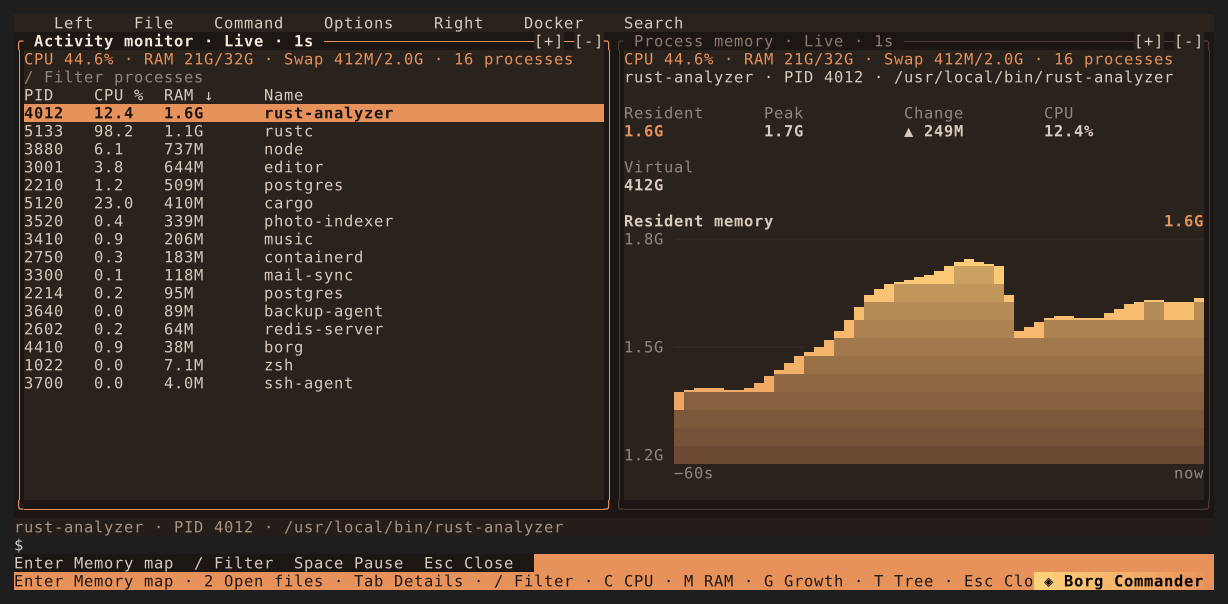
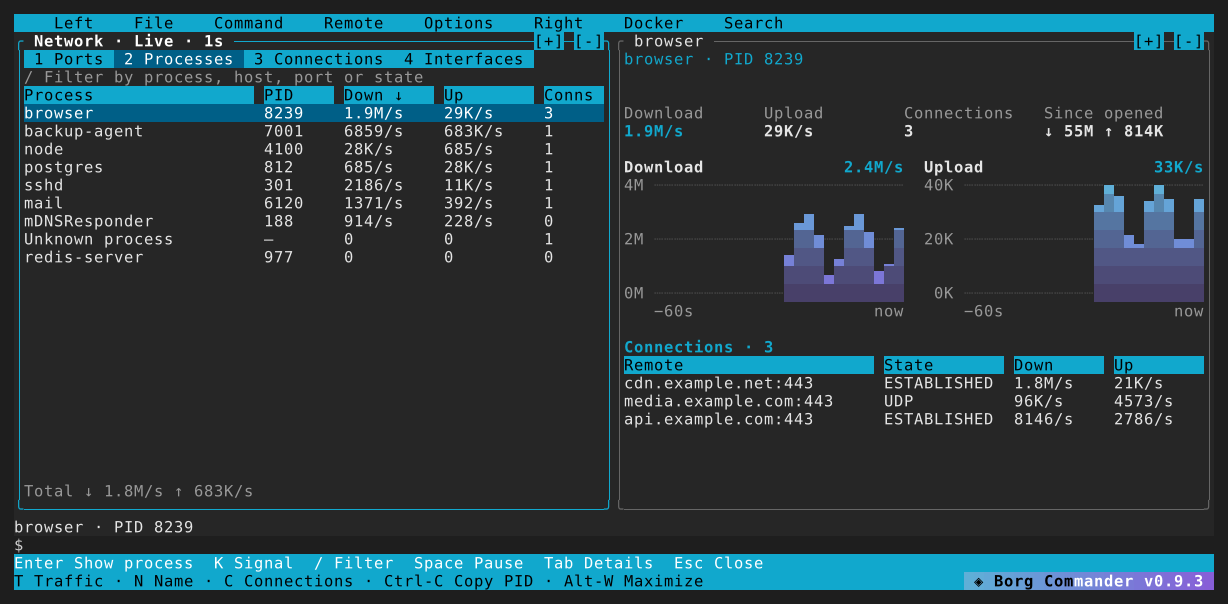
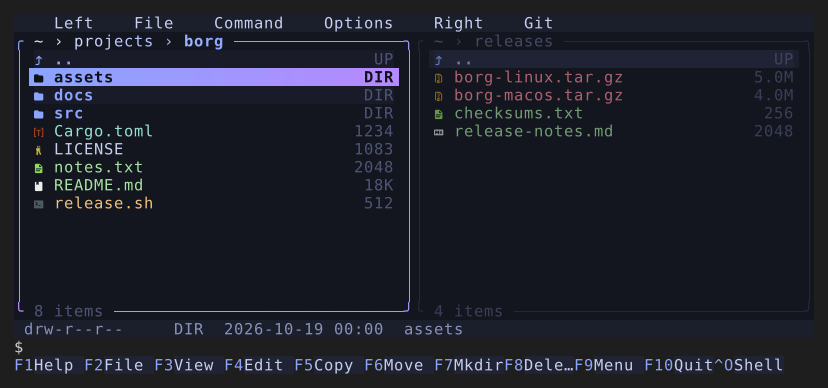
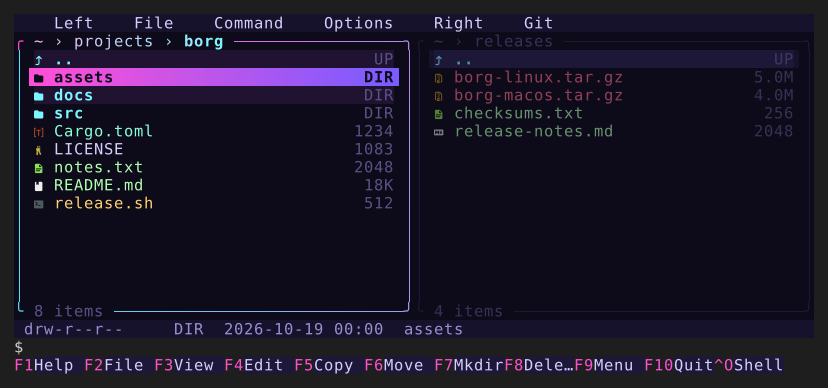
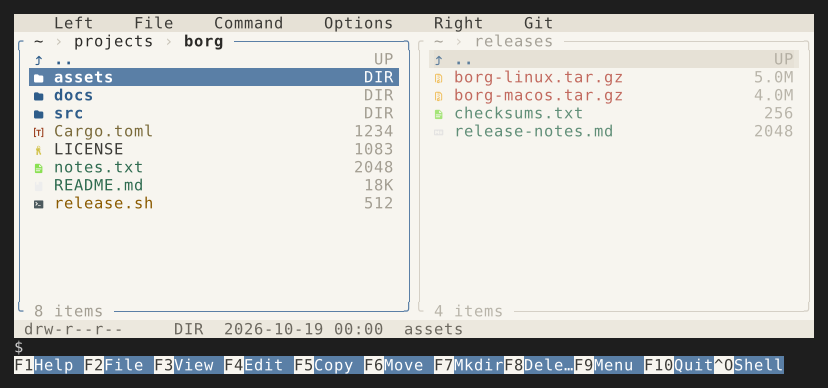
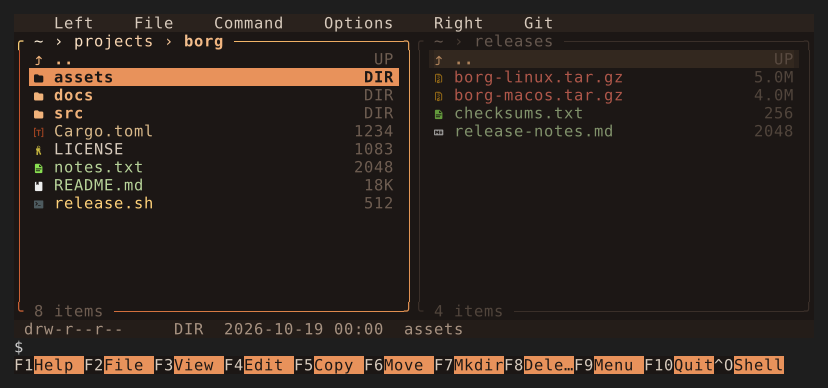
Screenshots use the English interface and fictional sample data.
Get up and running
Install Borg, learn the keys, and use the embedded console. F10 quits; Ctrl-O switches between panels and the shell.
Read the guide →Work with your files
Preview and copy files, search recursively, save collections, and measure folder sizes.
Read the guide →Containers, servers, and agents
Browse Docker containers, open remote Borg sessions, and connect Claude or another agent through MCP.
Read the guide →Make it yours
Choose a theme and icon style, adjust settings, or build and contribute.
Read the guide →Six built-in themes, from familiar blue panels to a quiet paper palette. Switch themes in F9 → Options → Theme.
This guide follows the main branch · Borg 0.11.0 · 1f6bce6
The latest release may not have everything described here. Release notes